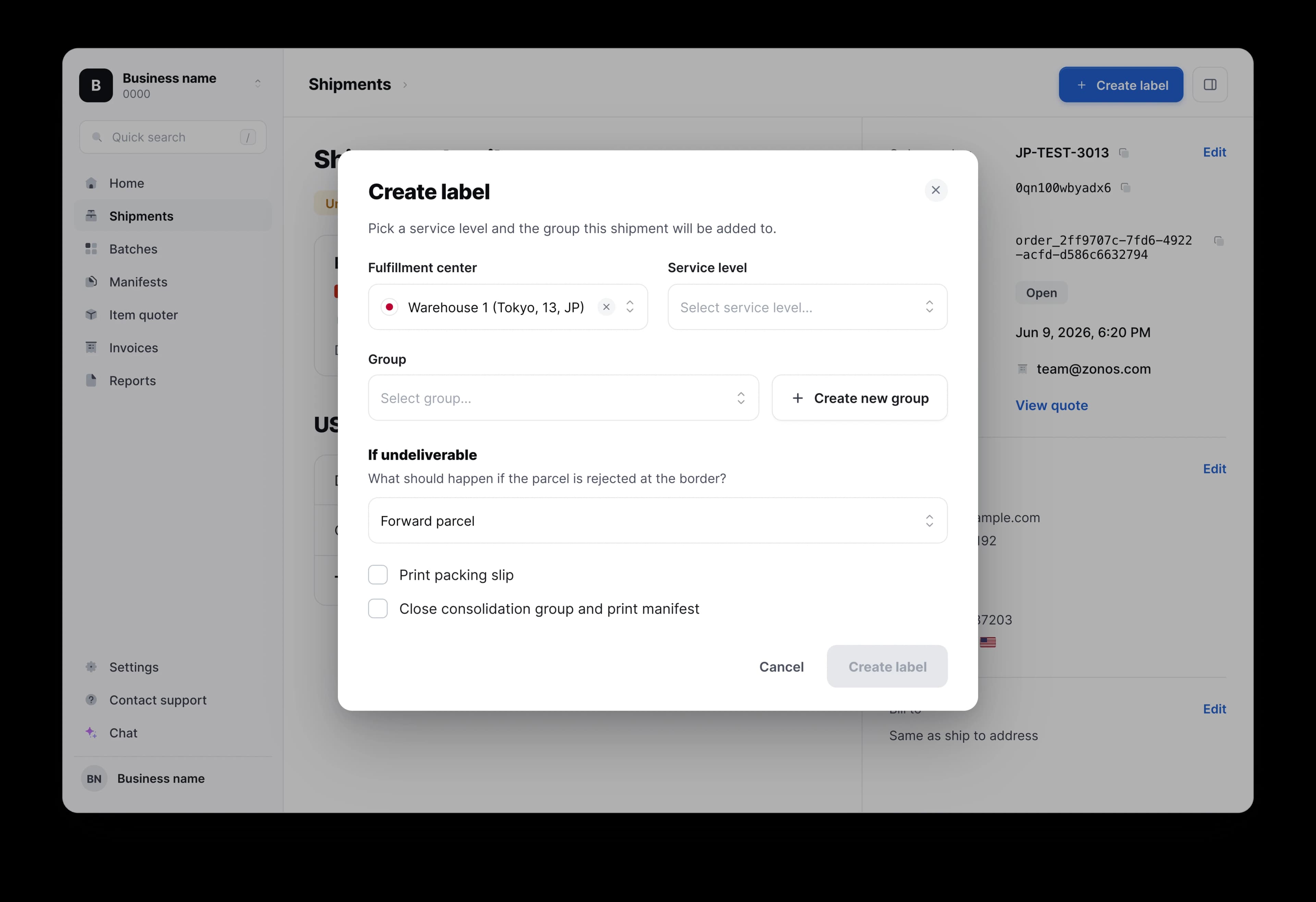
Keep shipping to the U.S. with Japan Post + Zonos

A U.S. executive order now requires duties to be paid on postal shipments under $800 USD before clearing into the U.S. If you ship via Japan Post, you must prepay duties before your parcel crosses the border. Japan Post has partnered with Zonos to make this easy.

Watch the video tutorial

For individuals/retail shippers

What you need to do to ship postal to the U.S. 

Japan Post has worked with Zonos to offer the Prepay mobile app as a fast, easy way for casual shippers to continue shipping to the U.S. while meeting the new requirements. Using the app, you'll pay duties upfront, generate your shipping label, and print it — all before arriving at the post office. Japan Post is available in the Prepay app starting April 14, 2026.


Use the Zonos Prepay app before going to the counter

  1. Anytime you ship something under $800 USD to the U.S. via Japan Post, use the Zonos Prepay mobile app to pay duties upfront and generate your shipping label.
  2. Print your shipping label and documentation from the app before heading to the post office.
  3. Drop off your package at the post office and pay for postage. When the post delivers your item to the U.S. recipient, they will not be asked to pay duties at the time of delivery.

How much does it cost?

There are no subscription costs.


There is a postal clearance fee charged per shipment, which is clearly calculated and shown alongside the duty calculation in the app. Payment is processed in Japanese yen (JPY).


Step-by-step

Download the app and create an account

Download the Zonos Prepay app to use when shipping to the U.S. There are no subscription costs—just pay as you go. The app will only prompt for duty payment (and include a clearance/processing fee) when you use it to ship an item to the U.S.

Take a photo of your items

Select your package type, select Japan Post, and click 'Continue'. Then snap a photo of the items you are shipping. A photo is required for Japan Post shipments; manual item entry is not available.

Let AI magically suggest complete customs information

Zonos' patent-pending AI tools automatically suggest required customs information from your photo, saving everyone time and streamlining processes. Shippers simply review the suggested information and make any adjustments needed.

Pay duties

The app will automatically calculate the applicable duties and postal clearance fees, and prompt for payment. Payment can be made directly in the app in Japanese yen (JPY). Duty payments made via the Zonos Prepay app are guaranteed—no additional duties will be charged to you or the recipient.

Print your label and drop off at the post office

After paying duties, create and print your shipping label directly from the app. You must create the label within 5 days of paying duties — if you don't, the pending charge expires (you won't be billed) and you'll need to start the process over. Bring your printed label to the post office and pay for postage.

Zonos is the trusted leader in cross-border technology.


For more than 16 years, we've been powering international commerce by classifying products with HS codes and calculating duties and taxes with accuracy and reliability. Today, our technology supports some of the world's largest brands, logistics providers, and thousands of ecommerce businesses.


Our mission has always been to increase trust in cross-border trade by making cross-border simple, transparent, and compliant. From APIs that integrate directly with custom setups to checkout experiences that make duty and tax collection easy for anyone, Zonos ensures international customers have good delivery experiences, building your brand in the process.

Is the Prepay app available for Japan Post now?

Japan Post is available in the Prepay app as of April 14, 2026.

When do I need to use the Prepay app?

Use the Prepay app anytime you ship something valued at $800 USD or less to the United States via Japan Post. Exceptions include documents and gifts valued under $100 USD, which do not require the app. Shipments over $800 USD to the U.S. do not require duties to be prepaid.

Do I need to use the Prepay app for letters and documents?

No, letters and documents are not subject to duties and therefore do not require you to use the Prepay mobile app. Use the app for standard shipments, gifts, and returns for shipments under $800 USD.

What do I need to do before I go to the post office?

Before heading to the post office, use the Zonos Prepay app to:

  1. Pay duties upfront and get your Declaration ID.
  2. Create your shipping label in the app.
  3. Print your label and any required shipping documentation.

At the post office, drop off your shipment and pay for postage. The postal clerk will scan your label at drop-off.

Why aren't free trade agreements (FTAs) applied during the duty calculation?

For postal shipments into the U.S., free trade agreements are not applied during duty calculation, even though every item is assigned an HS code in the app.


Here's why: U.S. Customs does not currently require HS codes for postal shipments. Because HS codes aren't required, the operational infrastructure for postal clearance isn't set up to process FTA claims. Claiming an FTA benefit requires verified classification, certificates of origin, and a formal entry process that postal shipments don't go through. Without this operational infrastructure, FTA's cannot apply to postal shipments in practice.


Currently the only exemptions that can be applied to postal shipments (without additional infrastructure) are for "informational material". Zonos assigns an HS code to determine whether your item qualifies for this exemption, then calculates the duty if not.


This reflects how U.S. Customs currently processes postal shipments, not a limitation of the Zonos calculation.

I paid duties but didn't create a shipping label — and now I can't create one. Why?

Duties paid via the app are in a pending state until you create a shipping label. If you do not create a shipping label within 5 calendar days, the pending card authorization expires and you are not charged for the duties. If it has been longer than 5 days since you paid the duties, restart the process in the app — you won't be charged for the expired duty payment. Duty payment will complete after you create the new label.

Can I enter my item information manually instead of taking a photo?

No. For Japan Post shipments, a photo of your items is required. Manual item entry is not available. Simply snap a photo of all the items you are shipping and the app will auto-fill the details. You can review and edit any auto-filled information before confirming.

What if the app auto-fills incorrect item information?

When you use a photo to have the app pre-fill your item information, you will be able to review and edit the details before confirming and getting a duty calculation.

What if I have multiple boxes to ship? Do I need to process each box individually?

Yes. Use the Prepay app for each box individually — only take a photo of items in the same box and create the shipping label for that box. For additional boxes, repeat the process so that each box gets its own label and Declaration ID.

How do I cancel a shipment after creating it?

This depends on whether your label has been scanned at the post office:

  • If the label has not been scanned at the post office, you can cancel your order directly in the Prepay app. Go to AccountOrder history → click on the order, scroll to the bottom and click Cancel order.
  • If the label has been scanned, you can no longer cancel the order, but you may still be able to request a refund:
    • If the item never clears customs and is returned to sender, contact support@zonos.com with the tracking number and they can help issue a refund.
    • If the parcel has already cleared customs, duties cannot be refunded.

Note: Partial refunds are not provided.

Why was duty applied to my gift?

If your gift is valued at $100 USD or more, duties are required — even for personal gifts. Gifts valued under $100 USD are exempt and do not require the Prepay app.

Why was duty applied when the item's MFN rate is 0%?

Duties include both MFN (standard duty rates) and tariffs applied via executive action — a breakdown is available in our 2025 tariff guide. Since U.S. de minimis was removed, postal services collect Section 122 tariff rates (a flat 10% surcharge effective February 24, 2026) but not MFN rates.

The duty on my shipment is 0. Is this right? Do I still need to use the Prepay app?

Yes, some items are duty-free. The Prepay app will calculate the duty for you and let you know when your shipment is duty-free, giving you peace of mind. You should still complete the shipment via the Prepay app so that you receive a Declaration ID and can generate your shipping label. A clearance/processing fee still applies for zero-duty shipments.

Are postal shipments subject to MFN or Section 122 duty rates?

Postal shipments are charged Section 122 tariff rates only (a flat 10% surcharge effective February 24, 2026). MFN rates do not apply to postal clearance. Previously, IEEPA tariff rates applied — but the U.S. Supreme Court struck down IEEPA tariffs on February 20, 2026, and Section 122 replaced them. Private carriers are subject to both MFN and Section 122 duties.

Why are there duties on returns?

According to CBP, U.S. returns are not duty-free and require duties to be paid.

Will I still have to pay postage when I ship my package?

Yes, postage will still need to be paid at the post office when you drop off your package. The app only covers the prepayment of duties and clearance fees — postage is collected separately by Japan Post at the counter.